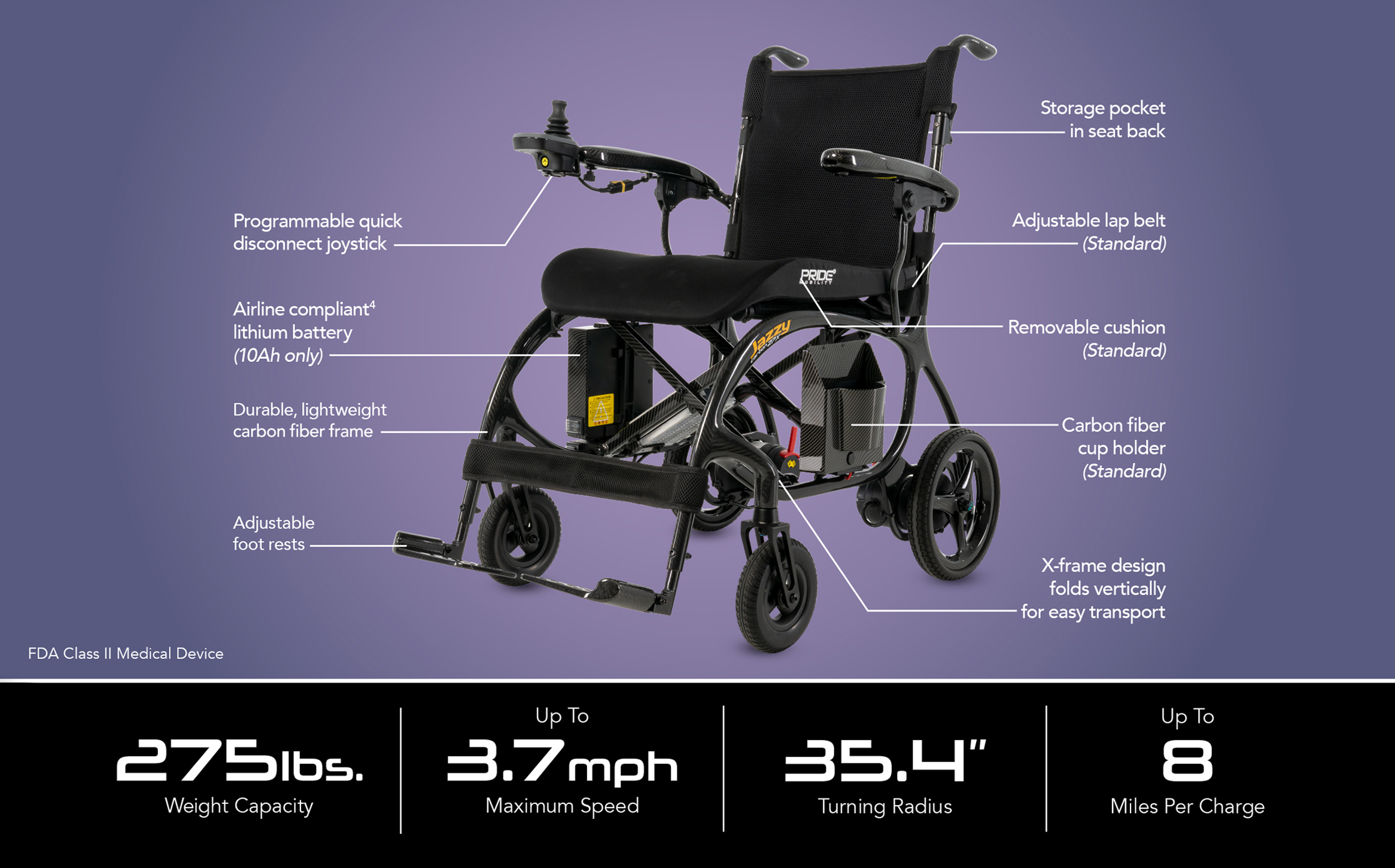
The Jazzy® Carbon 27X features a unique vertical X-frame design that folds side-to-side (similar to a manual wheelchair) rather than folding flat down to the ground. This minimizes the need to bend over during transport or storage.
How to fold the Jazzy 27X
- Turn off the unit and remove the cushion.
- Fold the foot plates in and back, and collapse the seat back handles by holding the latches in.
- Pull up on the seat handles to engage the X-frame design, then push the unit tightly together and secure it with the latch.
- Secure with the saftey clip to prevent unfolding.

How to unfold the Jazzy 27X
- Unlatch the unit and push out on the armrests to unfold.
- Push down on the seat (avoiding pinch points) and push up on the handles until they click into place.
- Reposition the foot plates and reattach the battery if it was previously removed.
- Put on the cushion, accessories and other fun personalized items (flags, bags, etc.)
Jazzy® Carbon 27X Features
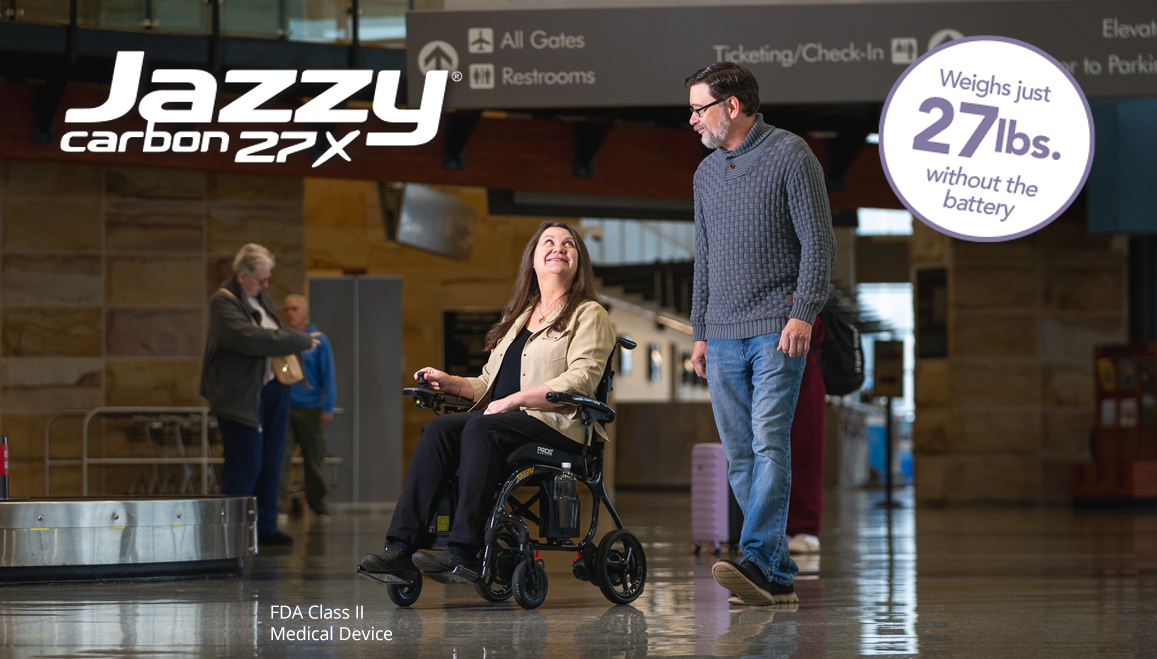
- Weighs about 27.5 lbs. without the battery
- 275 lb. weight capacity
- Top speed up to 3.7 mph
- Battery range of up to 8 miles
- X-frame design allows the unit to fold flat in vertical position
- Advanced, durable, and lightweight carbon fiber frame
- Folded dimensions: 34” L x 12” W x 30” H
- Flip up, lightweight, carbon fiber arms
- Collapsible back handles
- Adjustable footrests
- Airline-compliant lithium battery** (10 Ah only)
- Storage pocket in seat back
- Cushion and adjustable lap belt (Standard)
- Carbon fiber storage with cup holder (Standard)
- Programmable quick disconnect joystick (Standard)
Buy Pride Jazzy Carbon 27X Today
- From $3,199
- FREE Delivery
- Free Cushion